SESHR
Make drawing sessions from your images.
The perfect companion for gesture drawing practice. Works on iPad and iPhone and Mac (M Series).
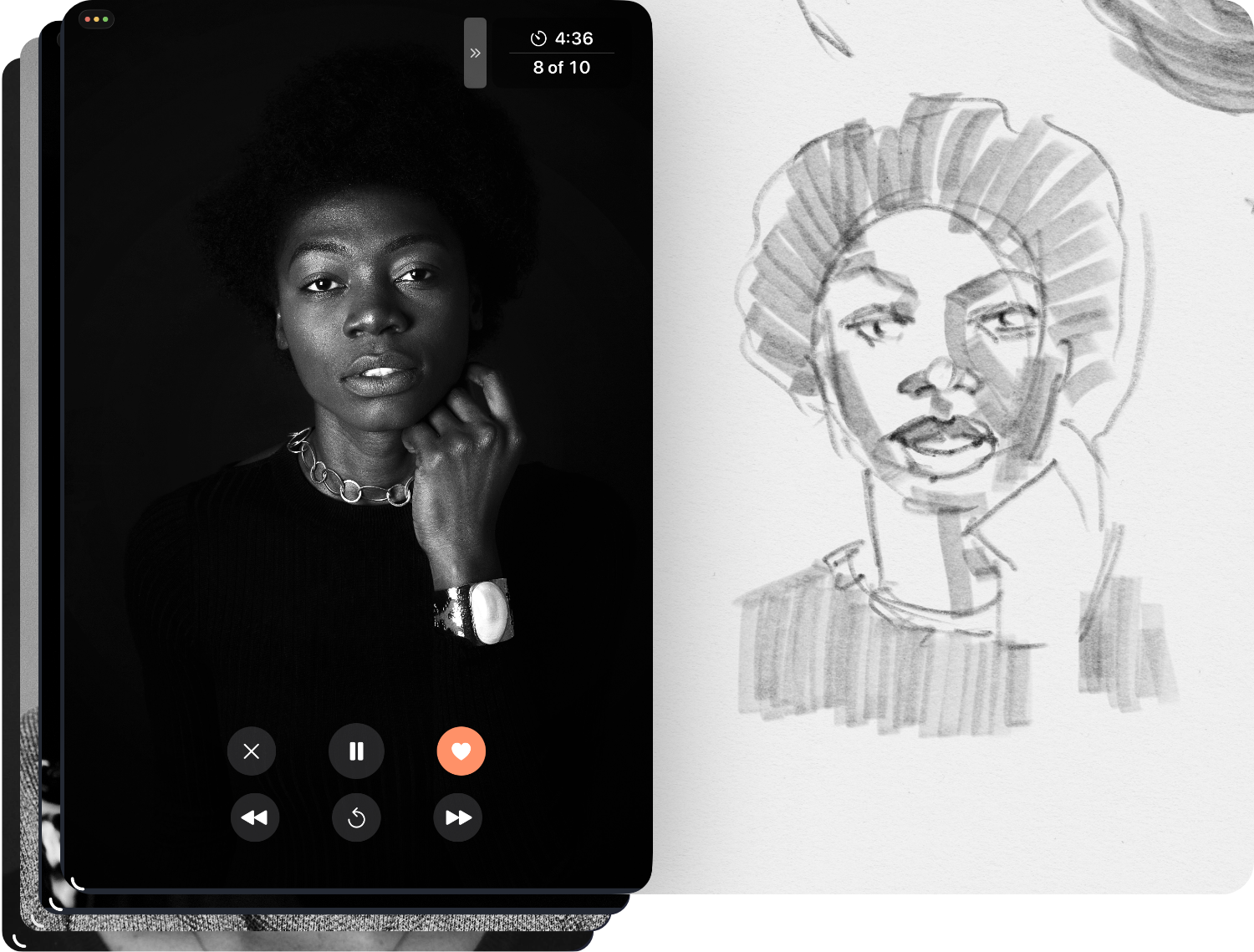
Make drawing sessions from your images.
The perfect companion for gesture drawing practice. Works on iPad and iPhone and Mac (M Series).
Setting up a drawing session requires multiple apps, switching between timers and image viewers, breaking your creative flow.
Seshr is designed for quick setup and Split View. Run it alongside Procreate or just your sketchbook and focus on what matters: your art.
Designed for real drawing sessions.
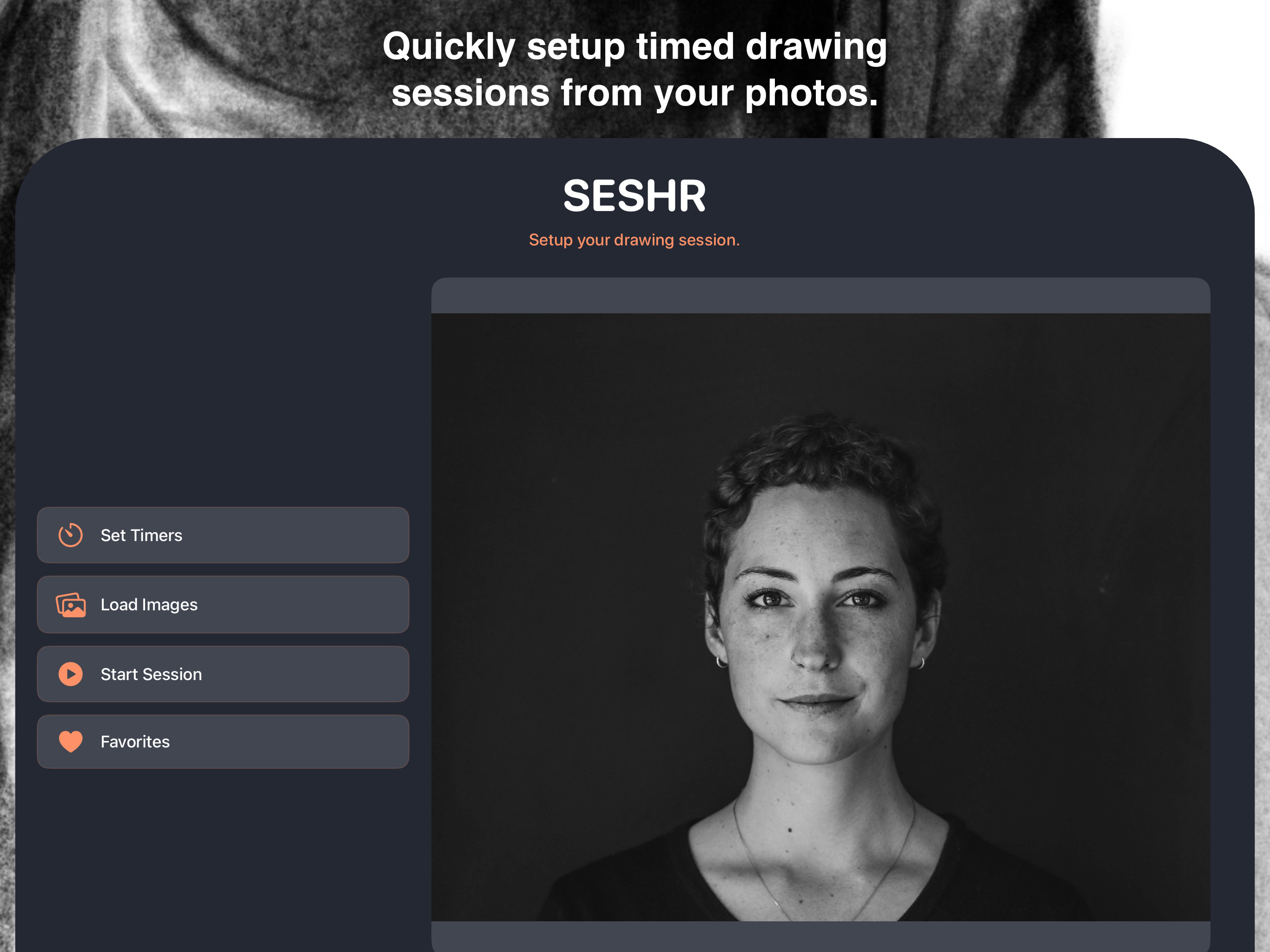
Setup Screen on iPad
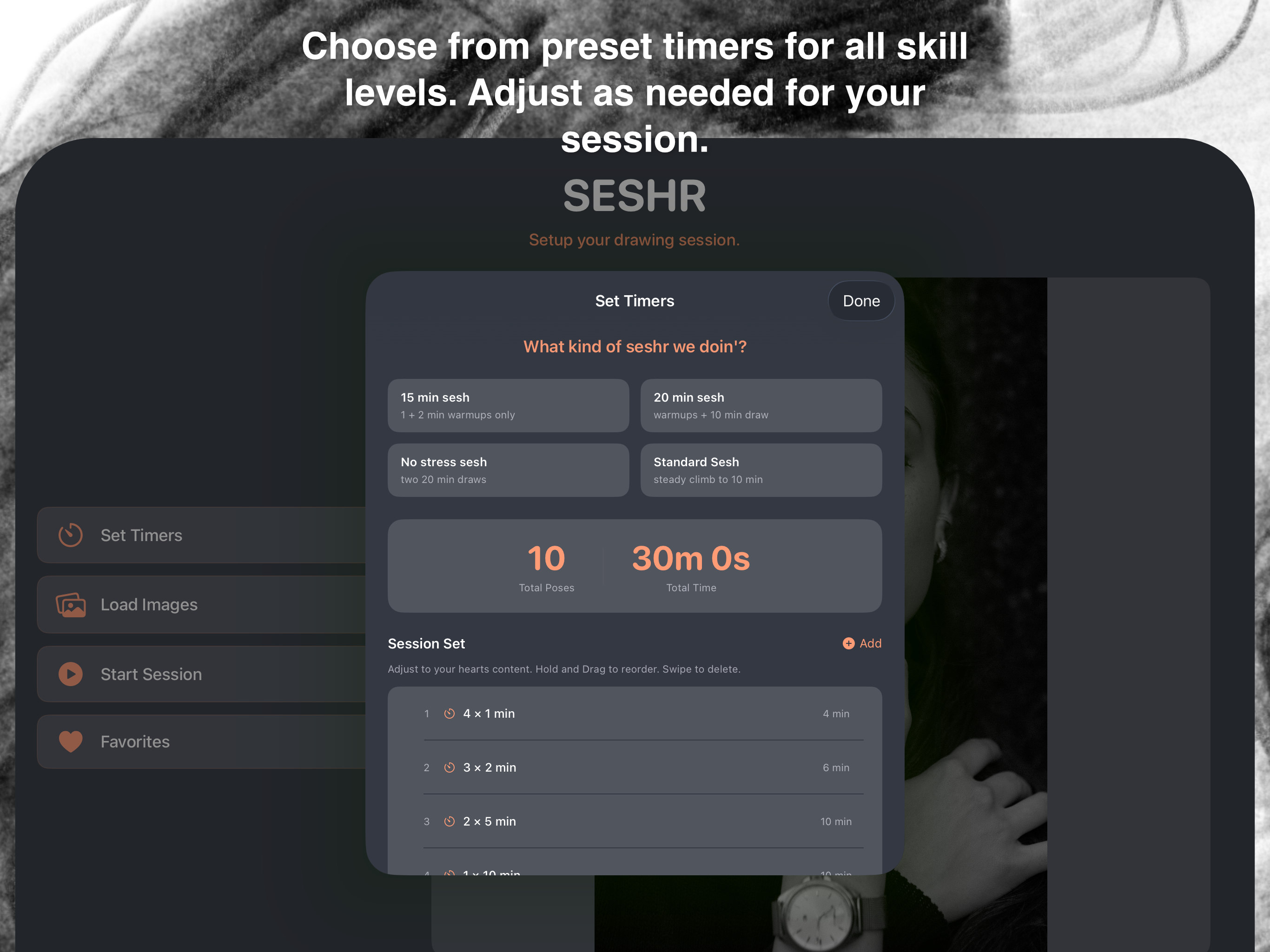
Set Timers
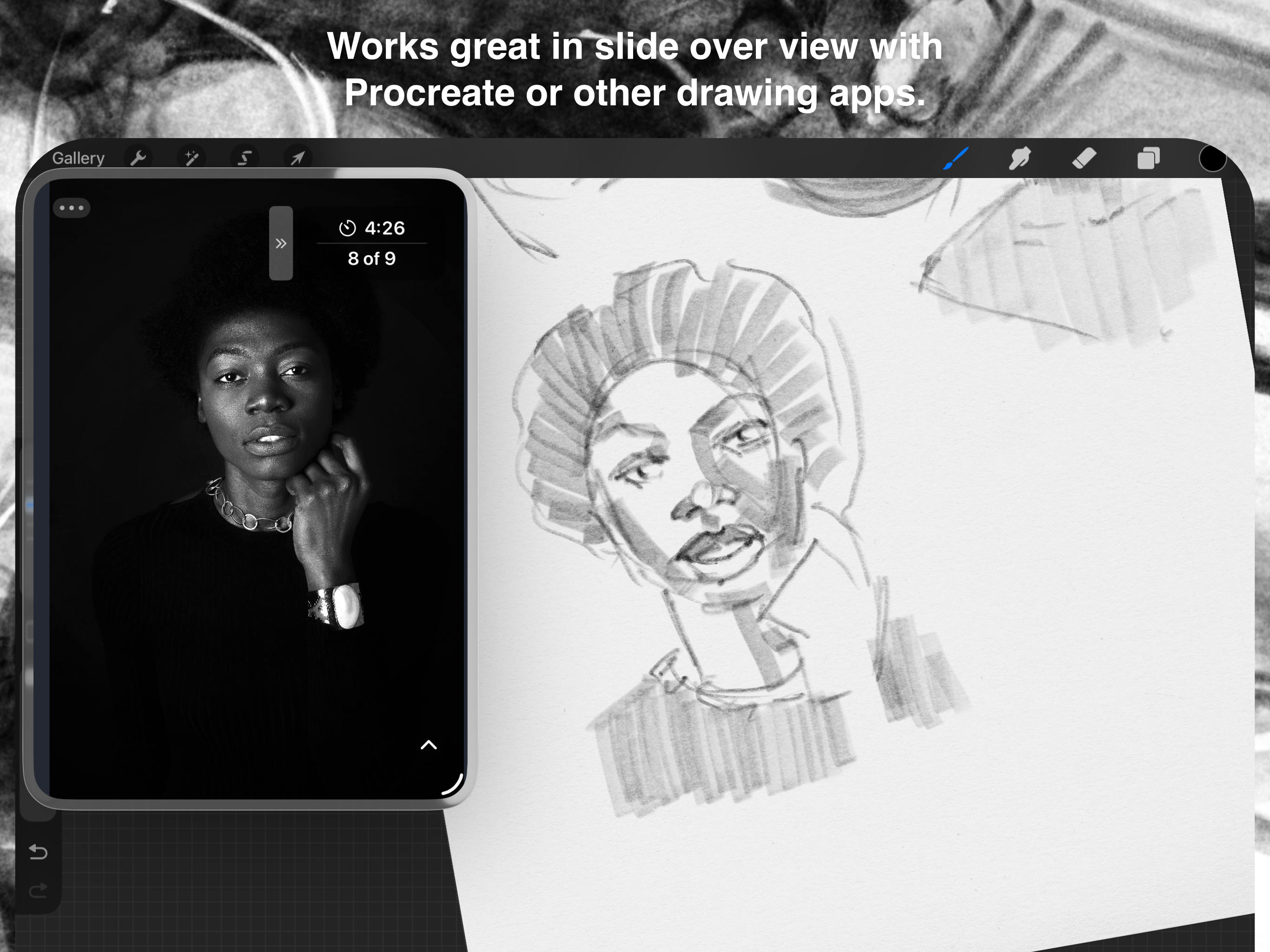
Slide Over with Procreate
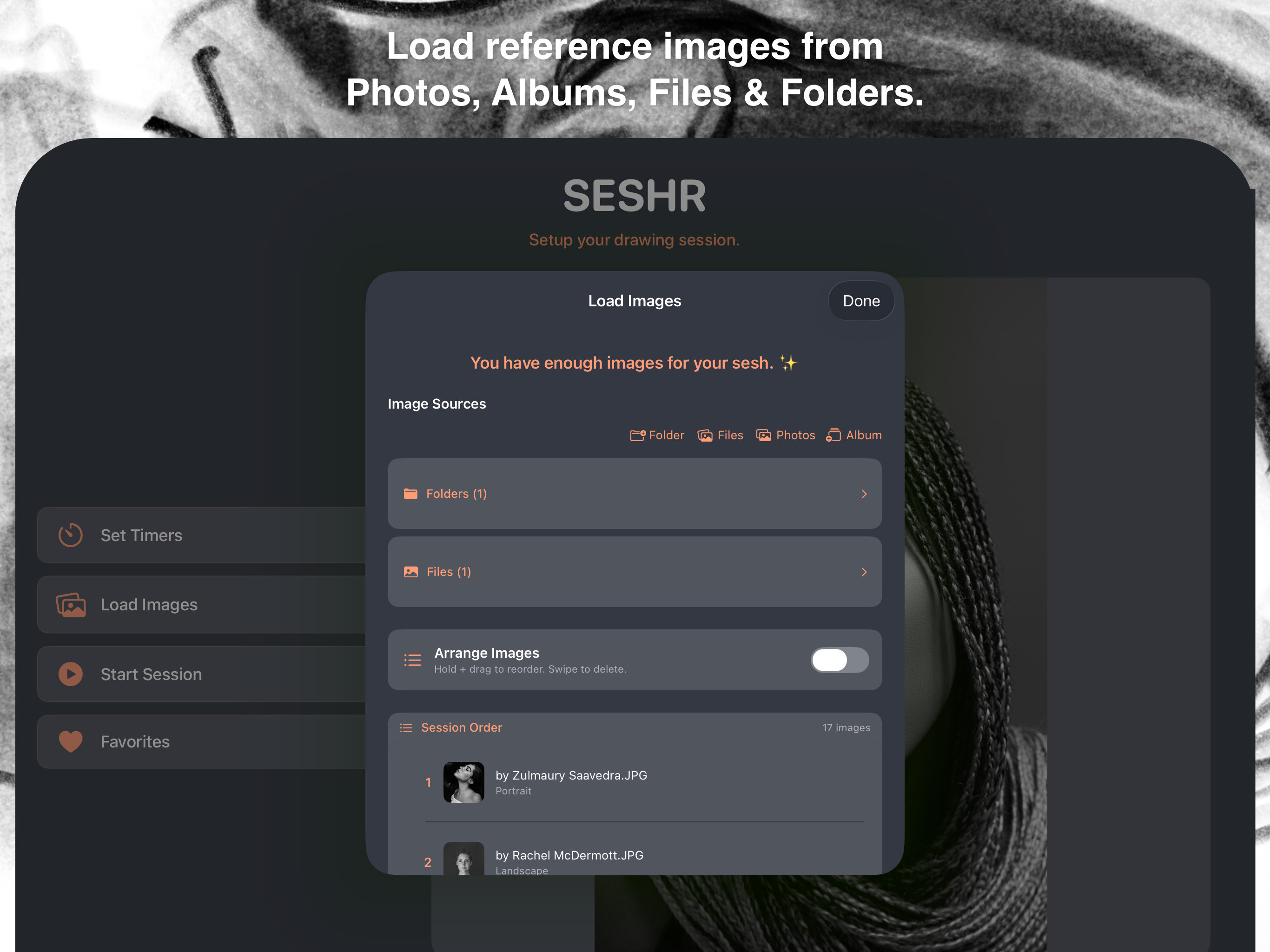
Load Images
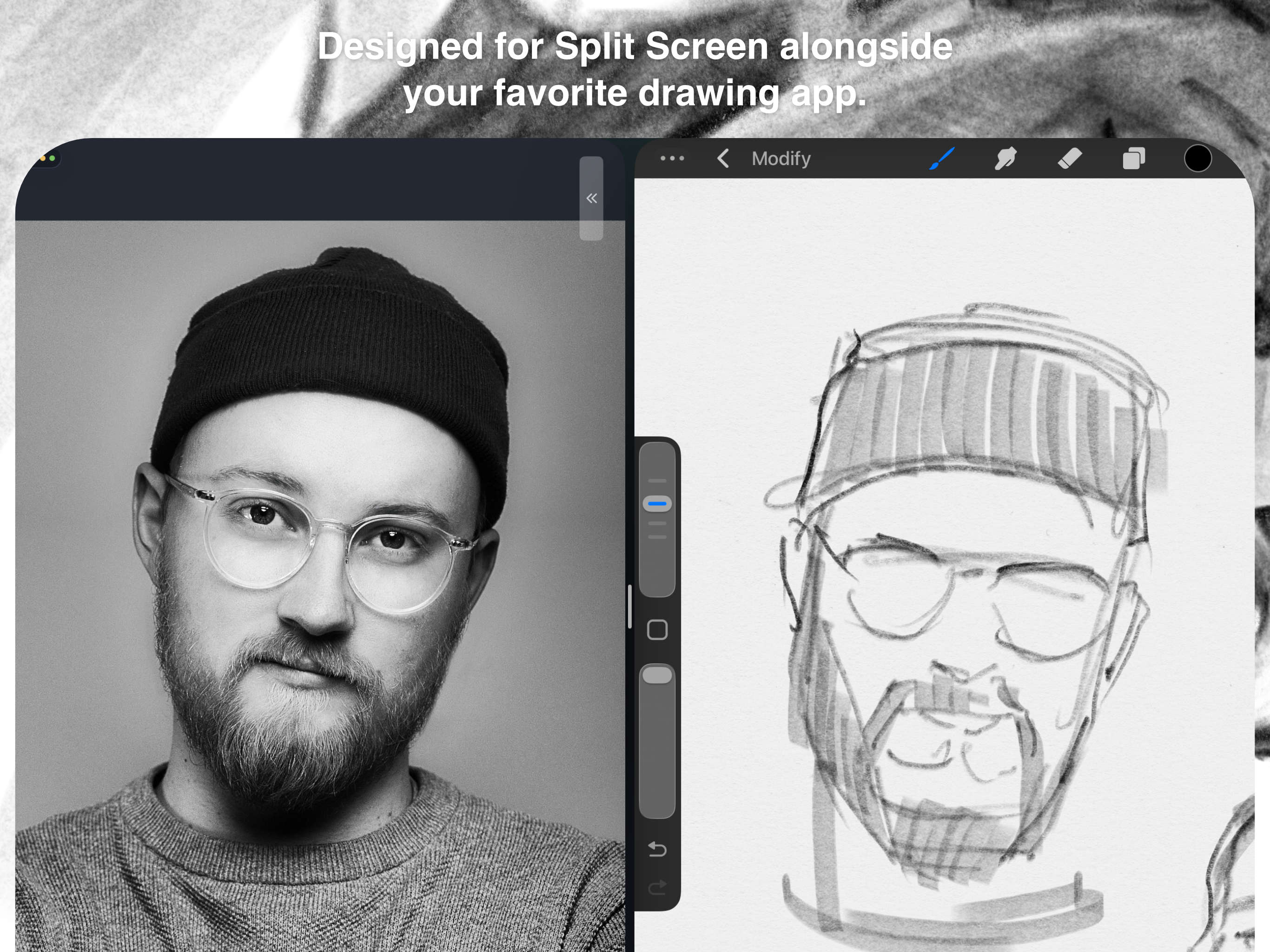
Split View with Procreate
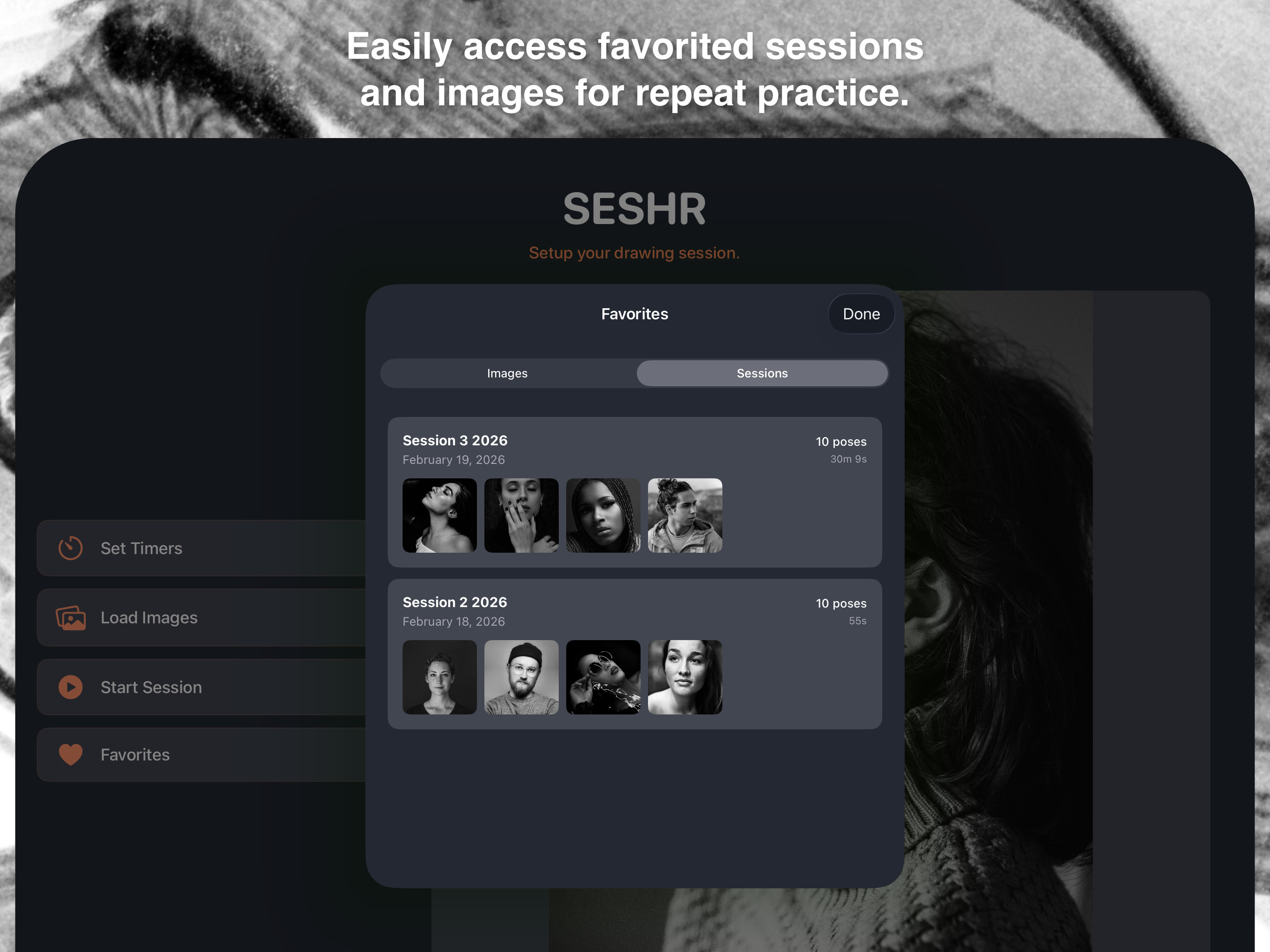
Favorites
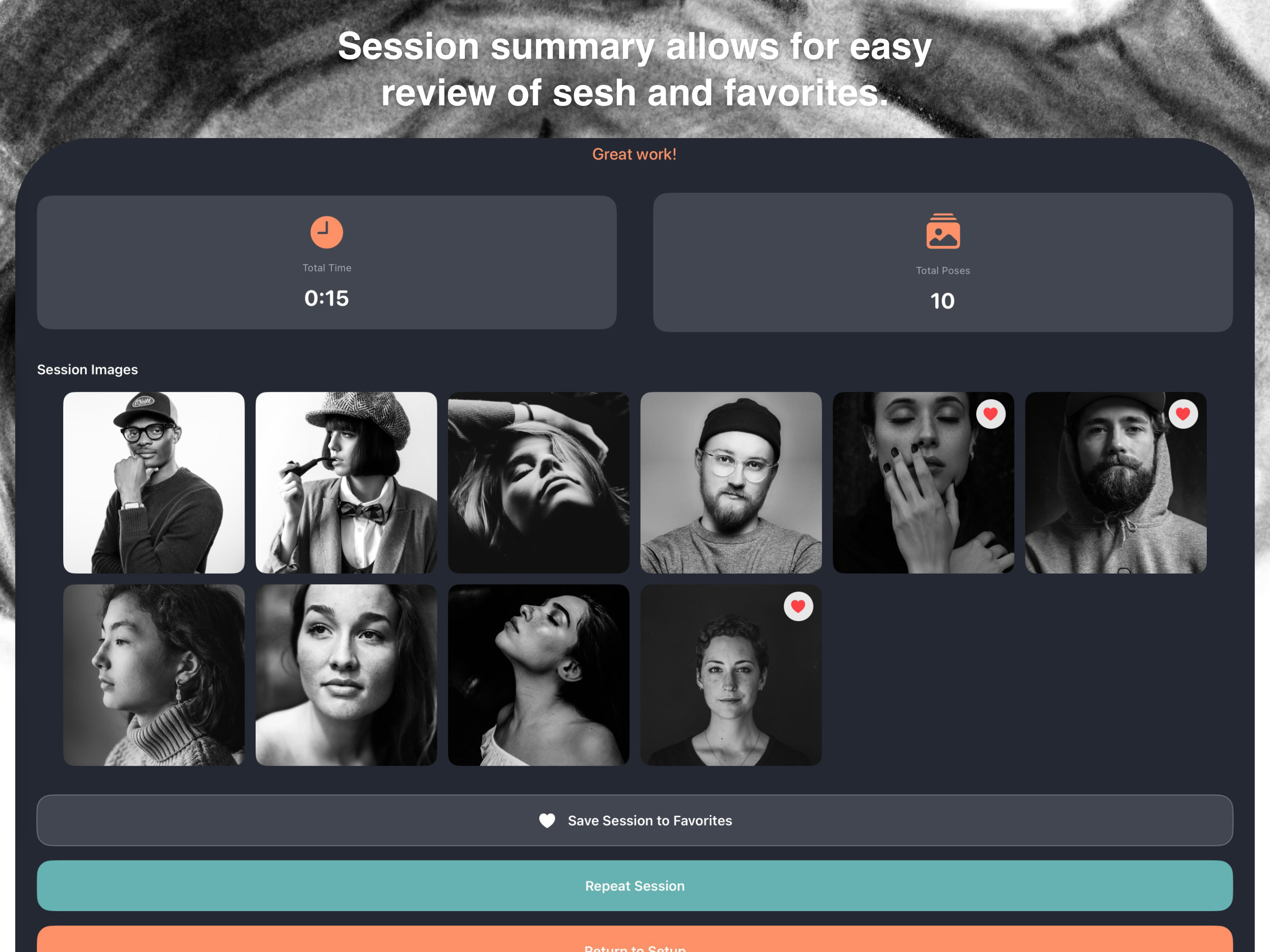
Session Complete
Built by an artist, for artists.
Designed to work seamlessly alongside Procreate, Fresco, or any drawing app. Use Split View or Slide Over on iPad. Use on iPhone and Mac (M Series).
Use folders, individual files, or pick from your Photo Library. Your reference images, your way.
Save your best reference images and entire sessions. Replay your favorites anytime with a single tap.
No tracking, no account required, works completely offline. Your images stay on your device.
I built Seshr because I believe drawing matters — not as a test of skill, but as a practice.
For me, drawing is a form of meditation. A way to slow down, to look carefully, to be present with what's in front of you. It's expression without words, reflection without agenda, communication that predates language itself.
The intention behind SESHR is simple: help people cultivate the practice of drawing — regularly, intentionally, with their own images and their own pace.
Because the act of drawing changes you. And it's worth showing up for.
MAC, artist & maker of Seshr
One-time purchase. No subscriptions. No in-app purchases. Buy once, own forever.
Download Seshr and start your next drawing session.